What if your productivity tools actually worked together?

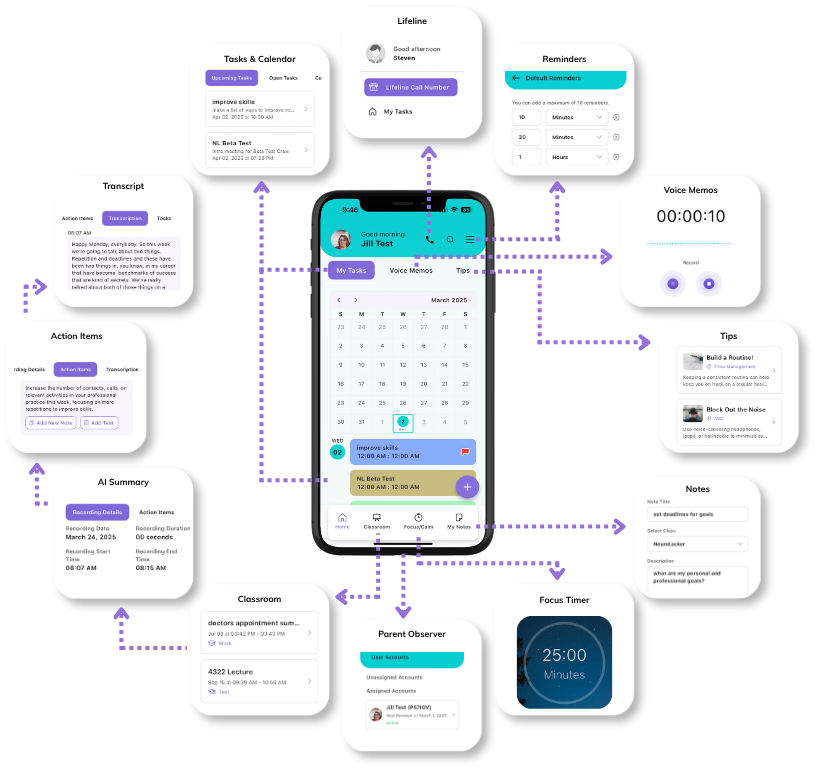
features diagram

Capture everything

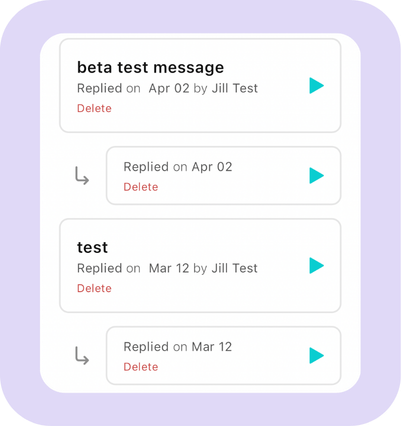
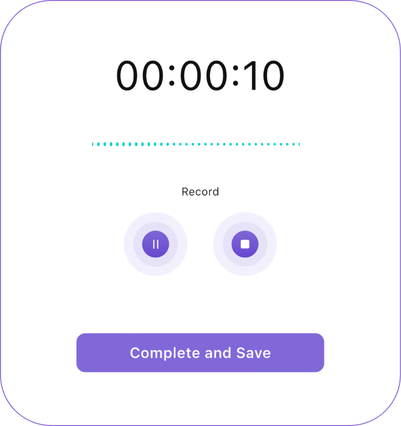
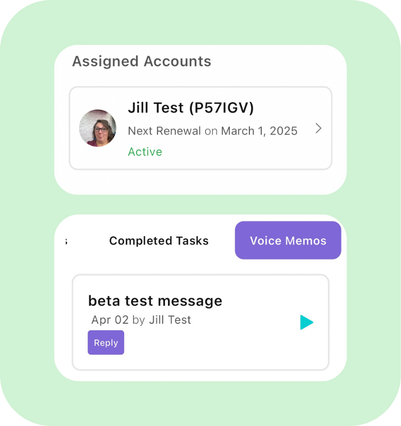
Voice Memos. Capture ideas, reminders, or thoughts the moment they happen.

AI notetaker screenshot

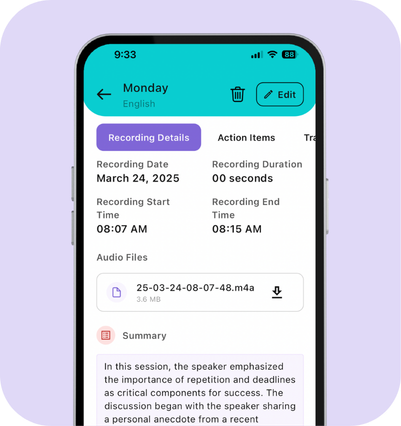
AI Notetaker. Record lectures, meetings, or conversations with automatic transcription.

AI summaries screenshot

AI Summaries. Instantly turn recordings into organized notes, summaries, and next steps.

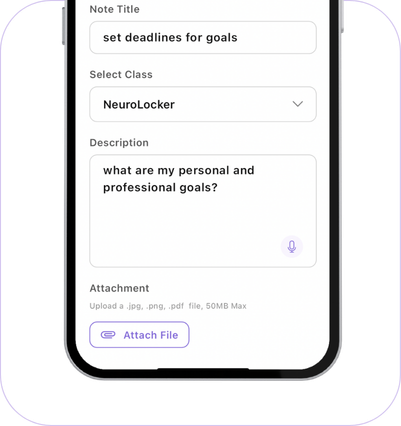
Notes. Keep quick thoughts, ideas, and information organized in one place.

Organize everything

Calendar Screenshot

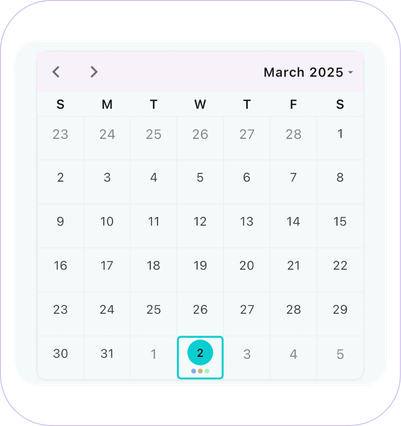
Calendar. See your schedules, assignments, and events in one unified view.

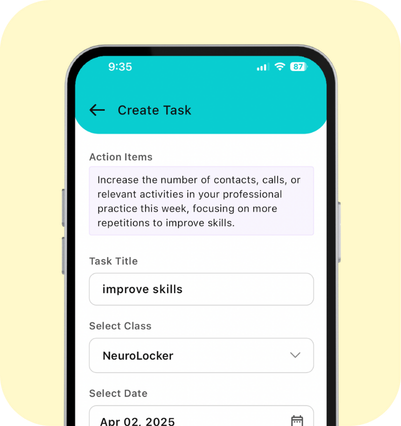
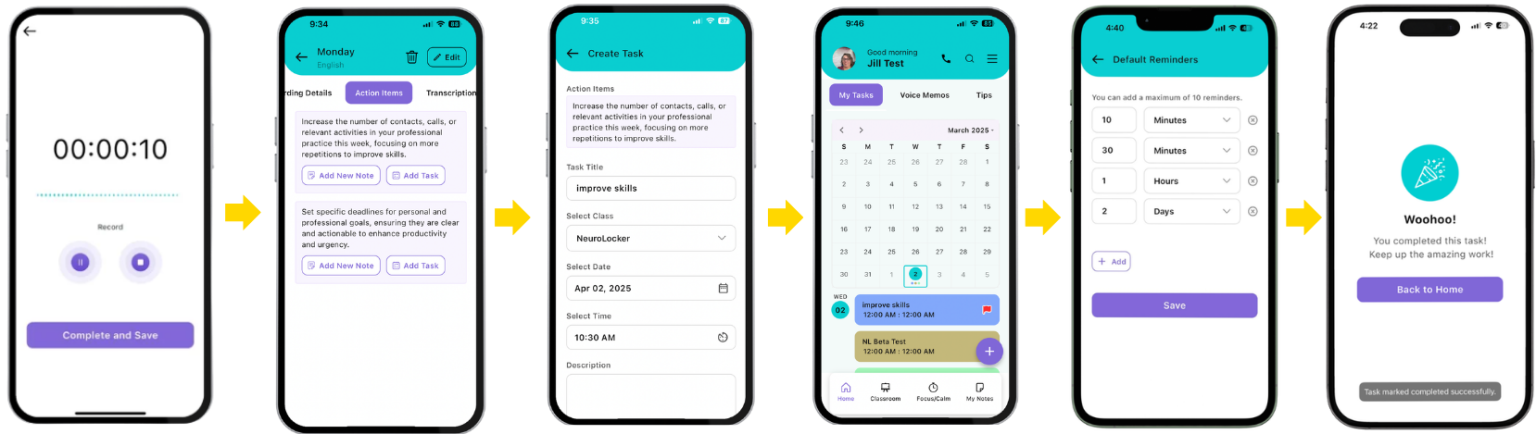
Tasks. Break down responsibilities into manageable, actionable steps.

Classes Screenshot

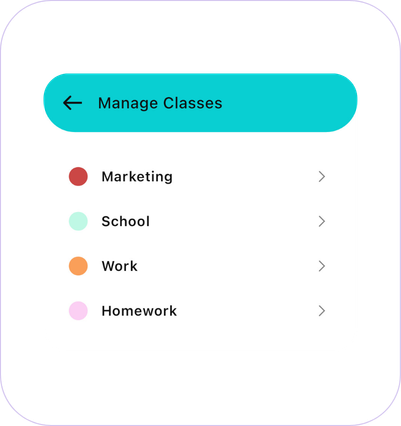
Classes. Organize tasks, notes, and recordings by class or category.

Reminders Screenshot

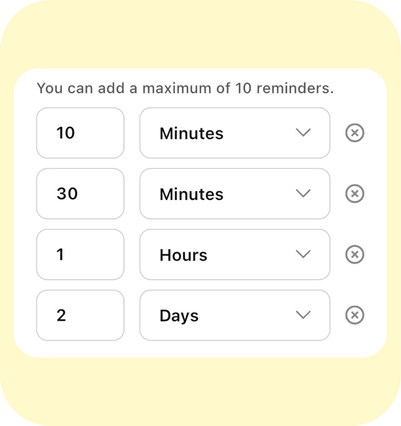
Reminders. Stay on track with customizable reminders that work for you.

Stay focused

focus timer screenshot

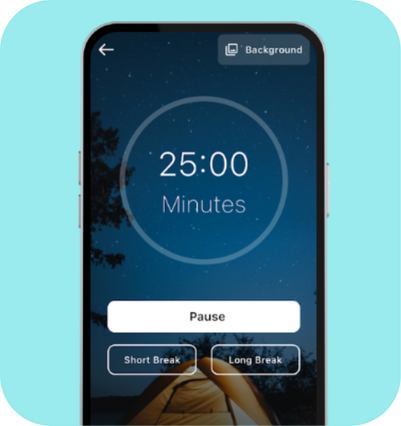
Focus Timer. Work in dedicated focus sessions without distractions.

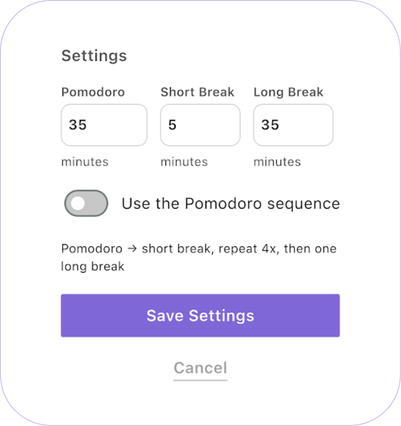
Pomodoro. Use structured or personalized work-and-break ccles to build momentum.

white noise screenshot

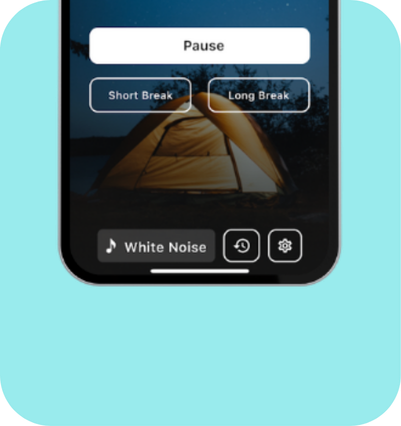
White Noise. Create a distraction-friendly environment with built-in background sounds.

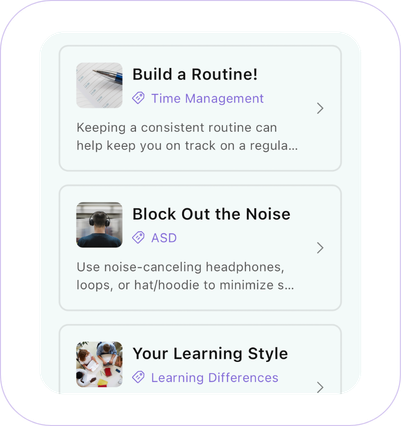
tips screenshot

Tips & Tricks. Discover practical executive function strategies tailored to everyday life.

Follow through and support

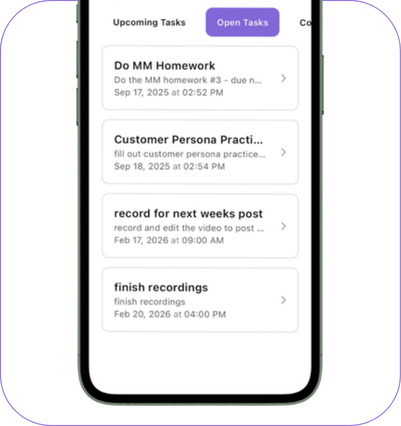
Tasks screenshot 2

Tasks. Review open tasks, priorities, and upcoming deadlines at a glance.

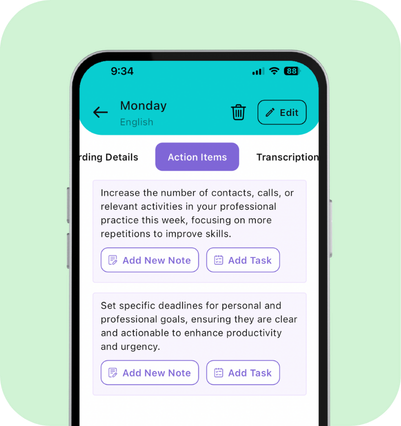
Action Items Screenshot

Action Items. Turn AI-generated suggestions into actionable tasks with a tap.

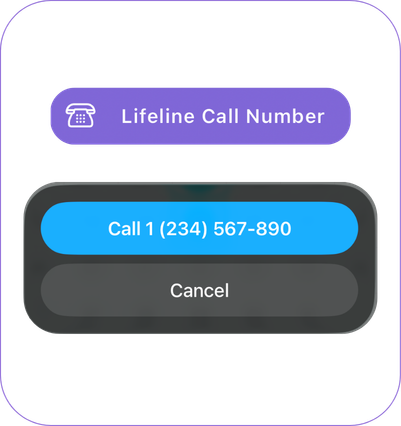
Lifeline Screenshot

Lifeline. Save an important contact you can reach with one tap when you need support.

Parent Observer Screenshot

Parent Observer. Allow a trusted supporter to stay connected while encouraging independence.

Great tools are powerful.
Great systems make them effortless.

Most productivity tools solve one piece of the puzzle.

One app for notes.

Another for your calendar.

Another for reminders.

Another for focus.

NeuroLocker brings everything together, so your ideas, plans, reminders, and routines stay connected instead of scattered across multiple apps.

NL Workflow Diagram

Built around real life

Life doesn’t fit neatly into separate apps, and neither should your organization system.

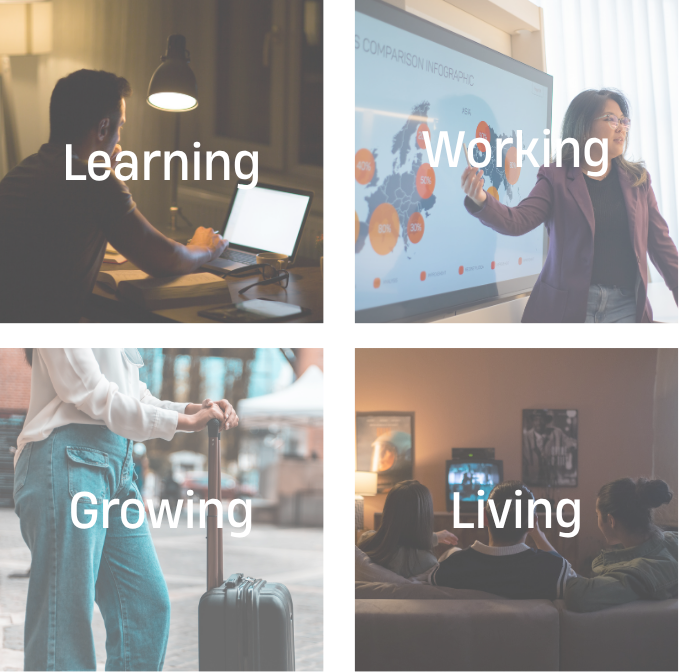
Whether you’re learning, working, living, or growing, NeuroLocker helps keep everything connected.

Your information stays yours

Your notes, recordings, and personal information belong to you. We never sell your data or use it for advertising.

AI that works for you

AI helps organize recordings, generate summaries, and suggest action items – but you’re always in control of what happens next.

Secure by design

Your information is protected using trusted cloud infrastructure and secure authentication.

Wherever you are

Access NeuroLocker from your phone or the web, with your information available when you need it.

Choose your plan

The only thing that changes between plans is how much AI support you need. Every plan includes:

✔ Calendar & Reminders

✔ Tasks

✔ Notes

✔ Voice Memos

✔ Focus Timer

✔ White Noise

✔ Lifeline

✔ Parent Observer Account

NeuroLocker is Currently in Early Access

NeuroLocker is currently in Early Access while we continue refining the platform.

During our Early Access period, Basic users may have temporary access to some premium features while we complete development at no additional cost.

When Early Access concludes, all accounts will automatically transition to the plan and pricing shown.

Basic
Plus
Family
AI Hours
0
45/month
80 shared/month
Users
1
1
2
Pricing
$5.99/month
$29.99/month
$54.99/month

Ready to spend less time remembering everything?

Whether you’re managing school, work, family responsibilities, or everyday life, NeuroLocker is built to help you stay organized with practical executive function support that grows with you.

Start with a free 7-day trial with 5 hours of AI and discover what it feels like to have everything connected in one place.

en_USEnglish